Will It Fit in Your Space?
Use your phone's camera and augmented reality to see exactly how our golf simulator setup would look in your space — before you book.
📱 Works best on a mobile device — tap the option below that fits your space
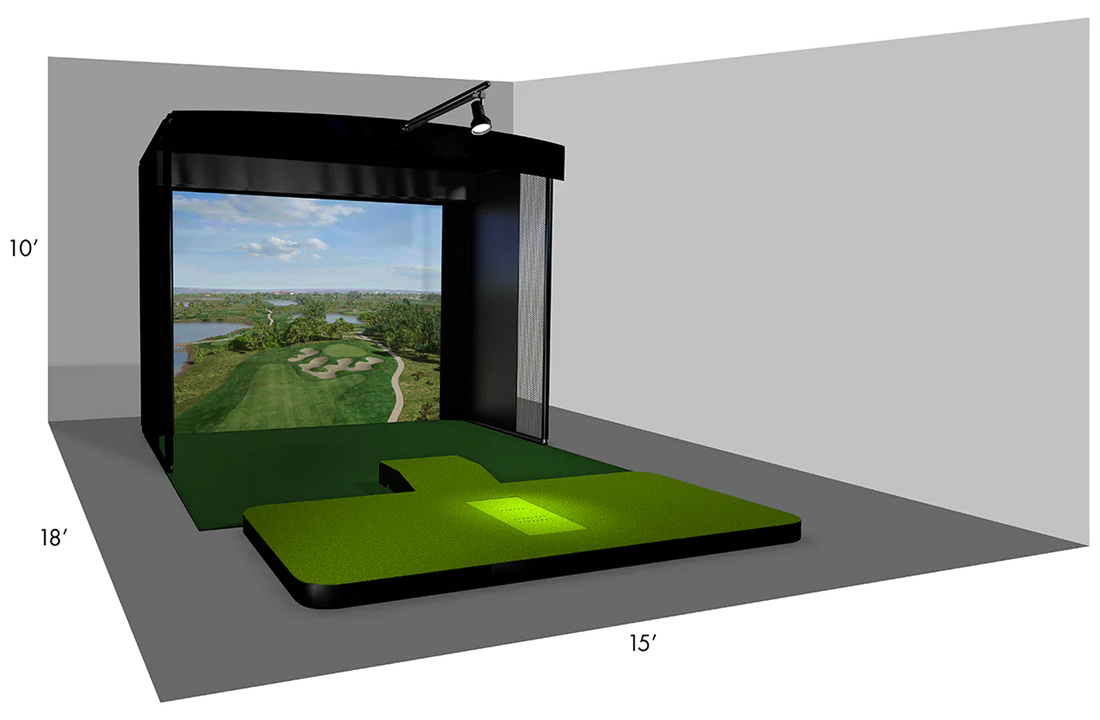
No Tent — Indoor Only
Perfect for living rooms, garages, event halls, and indoor venues. Our most popular setup.
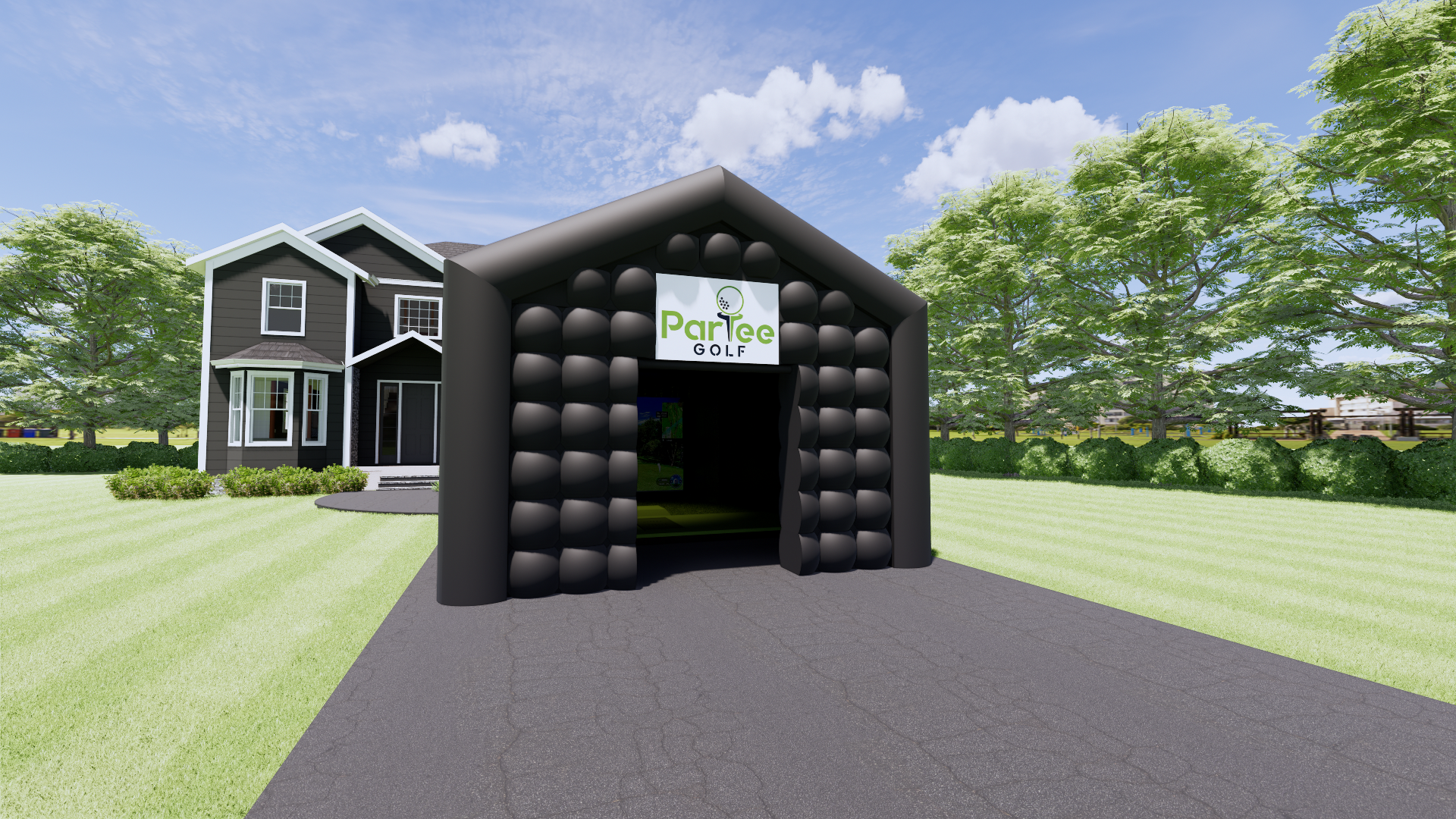
With Blackout Tent
Our premium weather-proof, blackout tent setup — great for outdoor events, backyards, and venues year-round.
See It in Your Space in 3 Taps
Open on Your Phone
Tap one of the AR buttons above using your iPhone or Android device for the best experience.
Point Your Camera
Aim your camera at the space you're considering — your backyard, living room, or venue floor.
See the Setup
Watch the full simulator appear in your space at real scale. If it fits — book it!
Looks Like it Fits? Let's Book It.
Our team will handle everything from setup to breakdown. All you need is the space — and your swing.